
Last year, we introduced invoice reminders to help you follow up on overdue invoices effectively and get paid faster.
Late payments?We switched method and turned on automatic #invoicereminders in @Xero . We love it. Our customers too… pic.twitter.com/cVhIcinB8B
— Damien Astolfi (@Fidbox_Damien) December 16, 2016
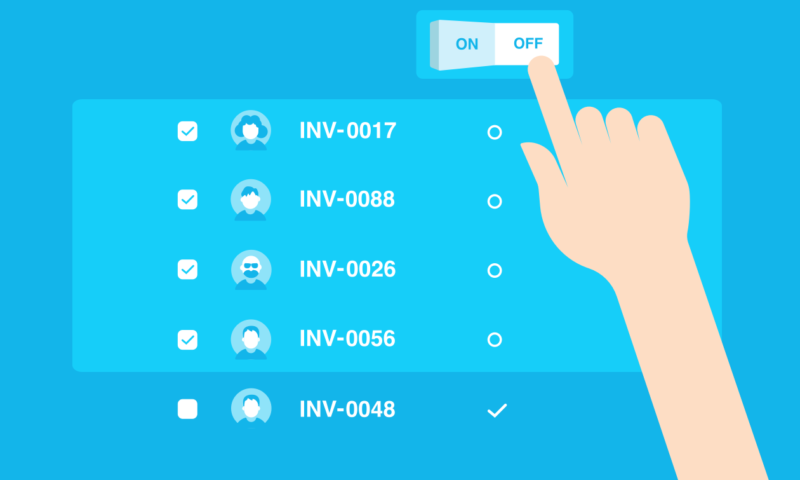
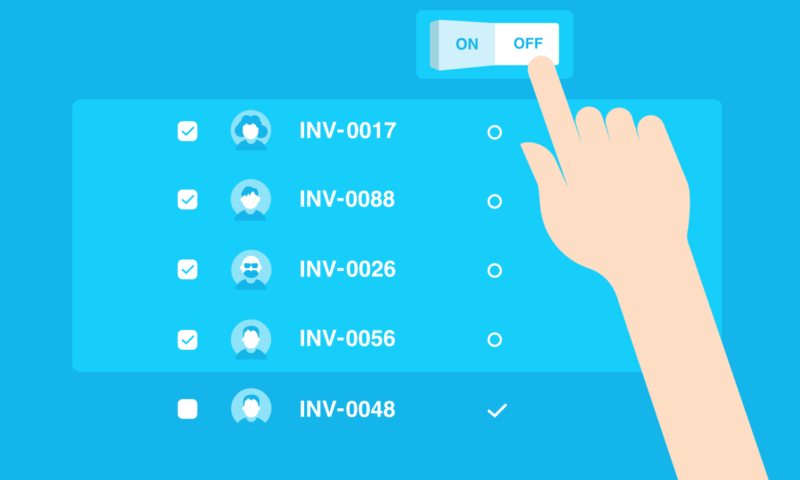
We’ve been watching ever since to make sure we keep making positive changes to the way you work as a small business. The latest invoicing release allows you to bulk select groups of invoices and switch reminders on or off from the main invoicing list without having to open each invoice — saving you clicks. You can already do this for your customers from the main contact list, but adding the same functionality to your invoice list makes managing reminders even easier and more personalized.
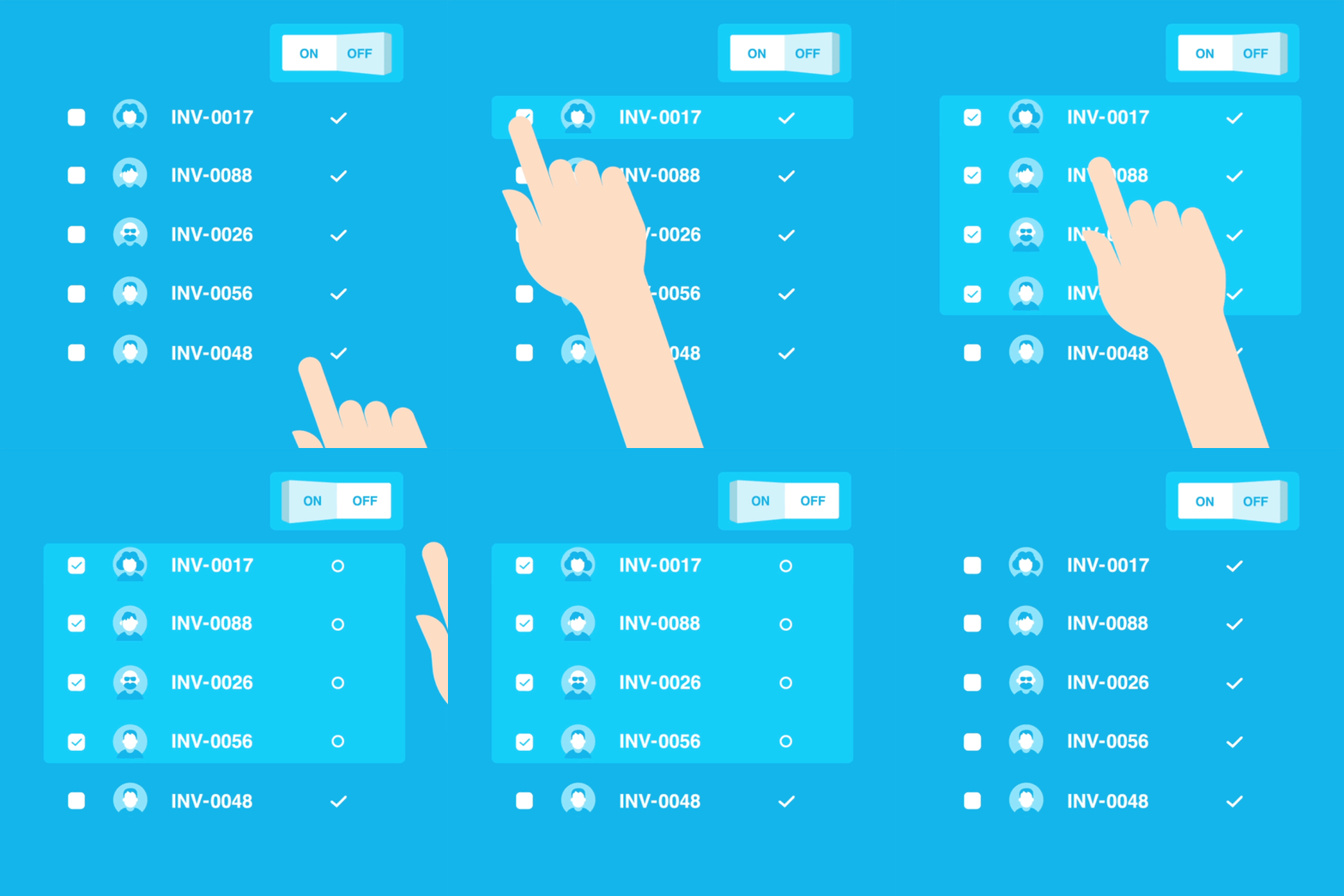
It might be that you have a very loyal customer who you don’t want to send an invoice reminder to for some of the smaller amounts owing. You can now easily tailor your invoice reminders by updating your reminder preferences for multiple invoices from one screen in just a few clicks. If you feel that your customer does actually need a nudge to get around to paying you, you can bulk select those invoices and turn the reminder back on.
Bulk selecting invoice reminders saves you time and lets you manage debtors and your cash flow the way you want.
The post Change invoice reminder settings in bulk appeared first on Xero Blog.
Source: Xero


You must be logged in to post a comment.